
Detect phones
Finds Android phones from every major maker over plain USB, and tells you what to do when a phone is locked, set to charging only, or in use by another app.
Plug in a USB cable, tap “File transfer” and your phone’s storage opens on your Mac. Browse, preview and copy files in both directions, with nothing to install on the phone.
What happens over the cable
0x1001GetDeviceInfo0x1002OpenSession0x1004GetStorageIDs0x9805GetObjectPropList0x100AGetThumb0x95C1GetPartialObject64How it works
iDroid Share speaks MTP, the protocol Android already uses for “File transfer”. Every Android phone has it, with developer mode off.
Inside the app
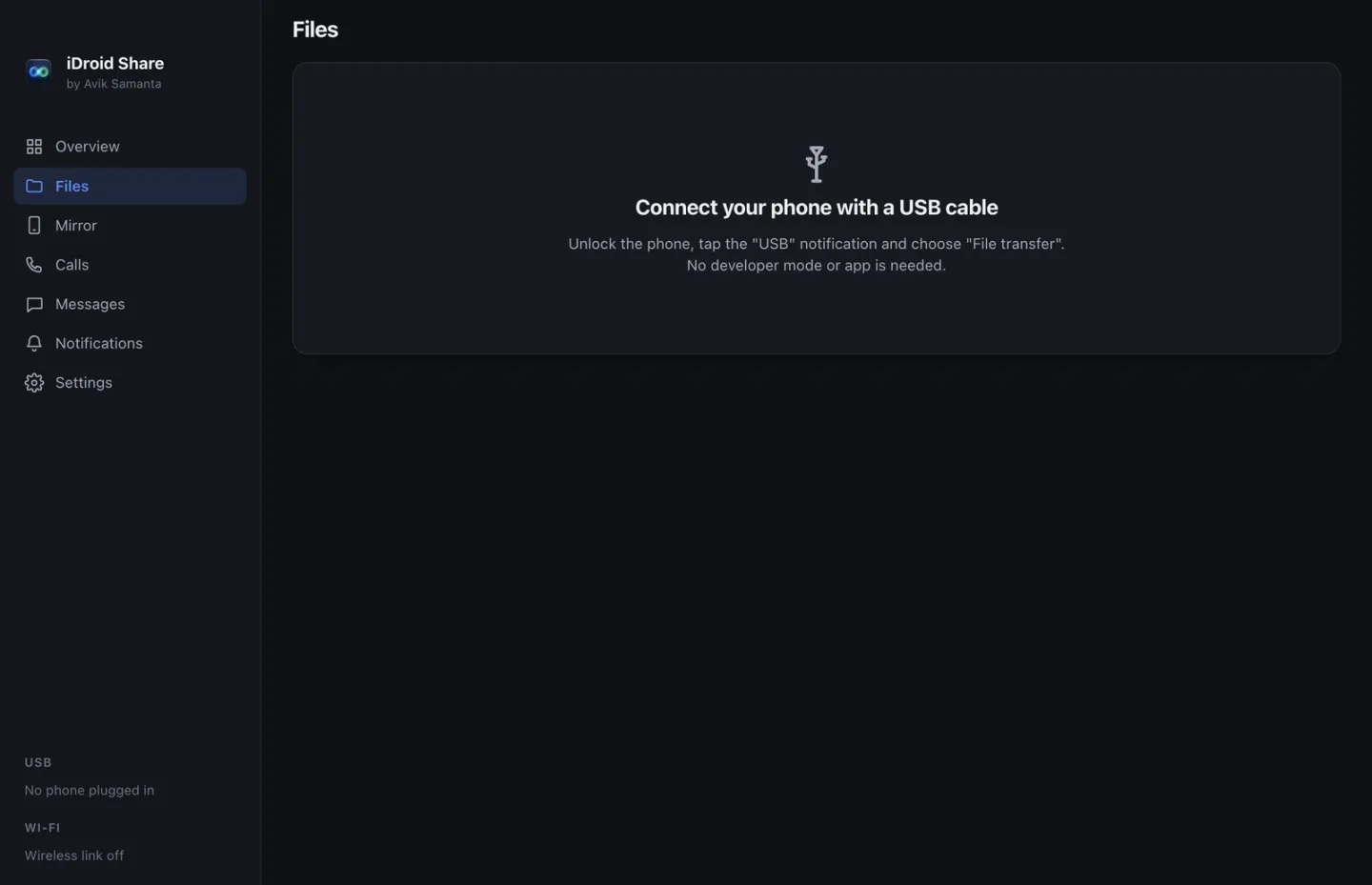
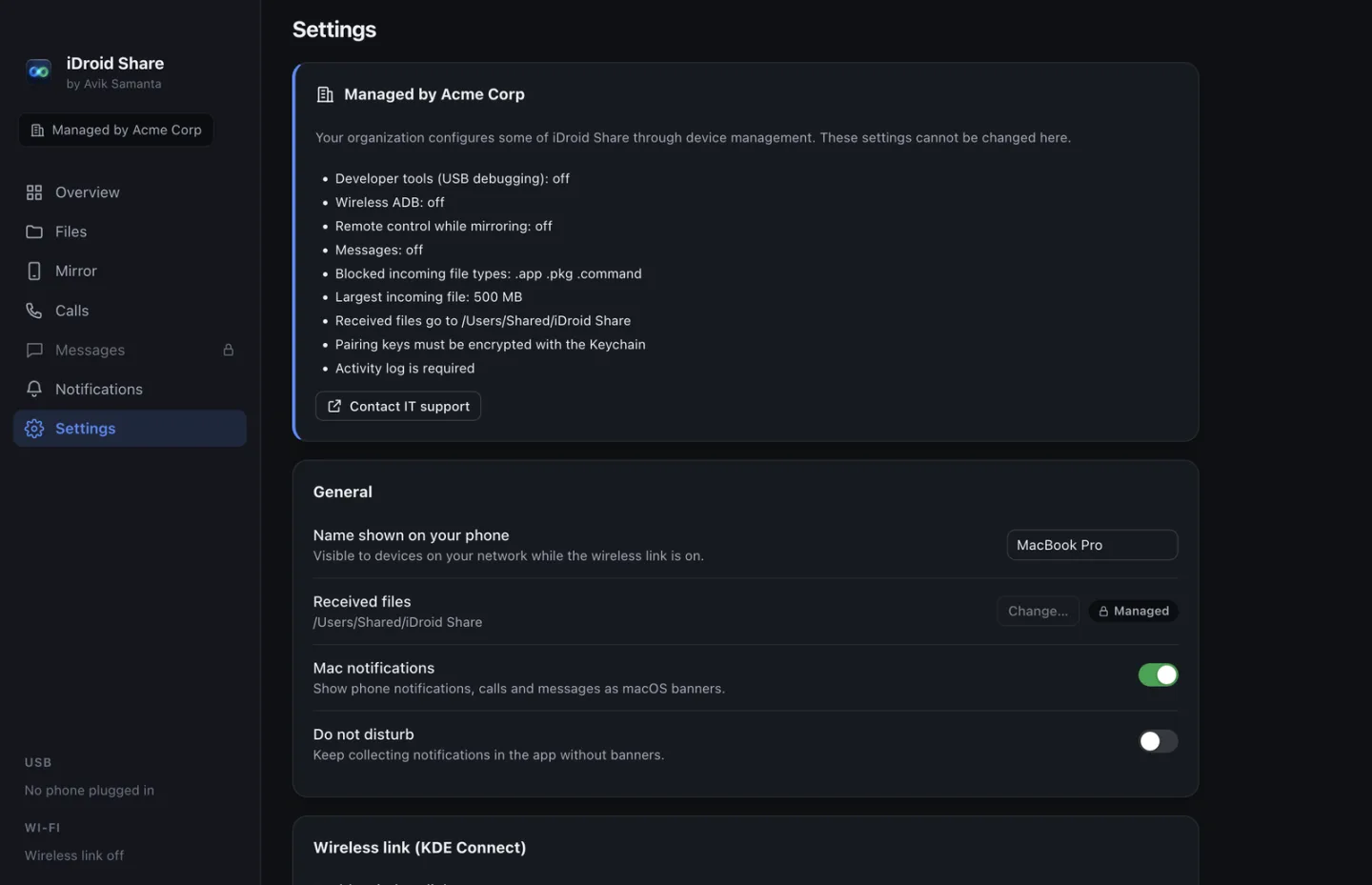
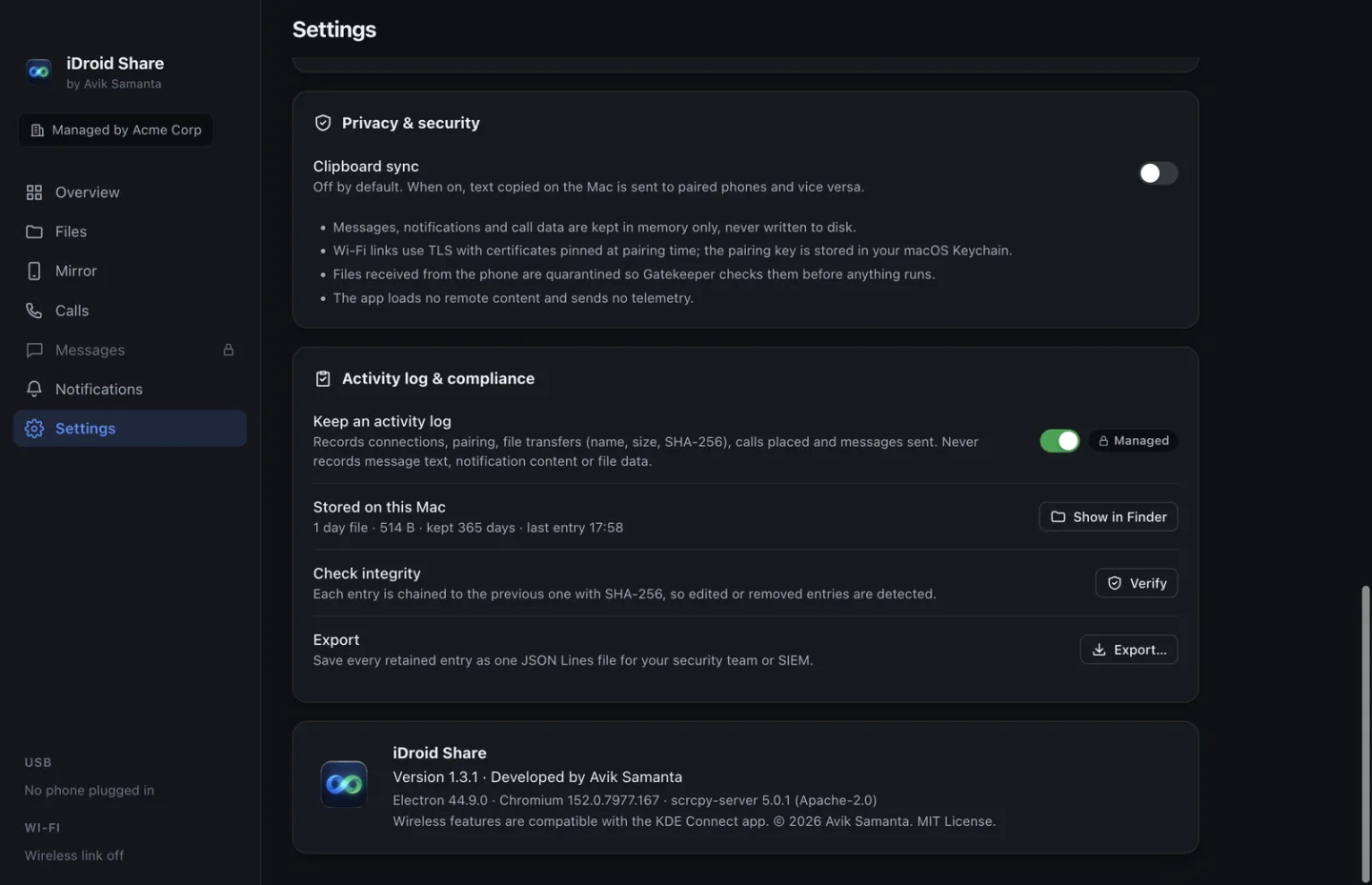
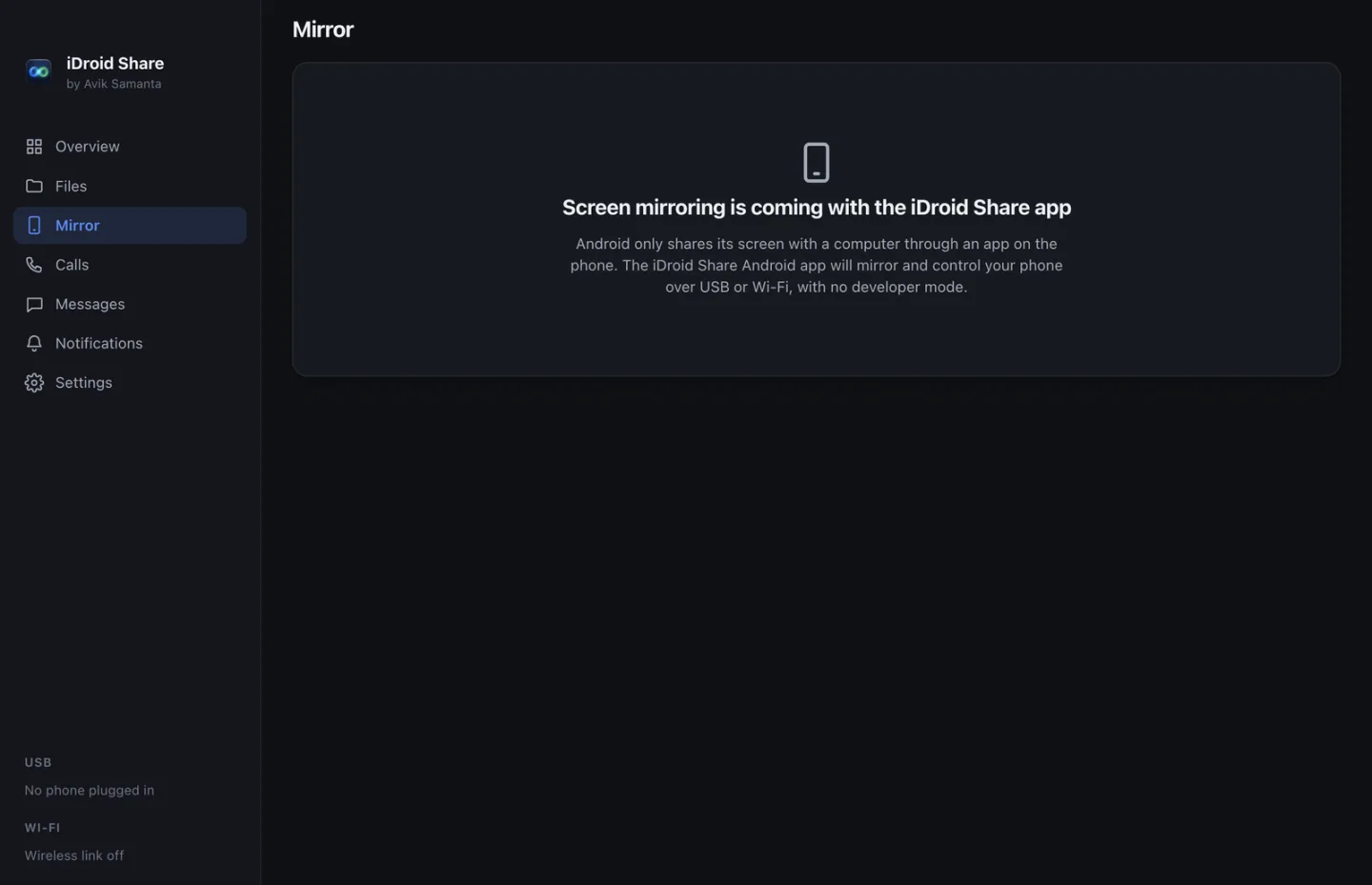
Overview. Plug in, choose “File transfer”, done.
Features
Finds Android phones from every major maker over plain USB, and tells you what to do when a phone is locked, set to charging only, or in use by another app.
Browse internal storage and SD cards. Upload, download, drag and drop, create folders and delete, in both directions.
Press Space to open photos (including HEIC), video, audio, PDF, Office documents and text in macOS Quick Look. Thumbnails come from the phone itself.
Received files are quarantined for Gatekeeper and never overwrite existing ones. Every file gets a SHA-256. No remote content, no telemetry.
MDM policy for every feature, approved-phone lists, a hash-chained activity log and a universal installer package for deployment.
Optional. Notifications, SMS, call alerts and Wi-Fi file sharing with the free KDE Connect app, over TLS with pinned certificates.
Off until you turn it onOnly these vendor IDs reach the USB worker. Everything else plugged into your Mac stays invisible to the app.
18D1Google04E8Samsung2D95vivo / iQOO2717Xiaomi / Redmi / POCO22D9OPPO / realme2A70OnePlus22B8Motorola12D1Huawei339BHonor1004LG0FCESony0BB4HTC0B05ASUS17EFLenovo19D2ZTE / nubia2E04HMD (Nokia)2A45Meizu1BBBTCL / Alcatel0482Kyocera04DDSharp0489Foxconn10A9Pantech1949Amazon Fire0E8DMediaTek1782Unisoc05C6QualcommArchitecture
The window you click never touches USB, and the code that touches USB never touches your disk.
Security
A phone is untrusted input. iDroid Share treats every byte from it that way, and keeps the rest of your Mac out of reach of anything that goes wrong.
app:// origin, deny-all permissions, no navigation, no remote requests.usb=().NODE_OPTIONS, no --inspect), ASAR integrity, hardened runtime for release builds.Found a vulnerability? Report it privately as described in the security policy.
For IT teams
Install a configuration profile from Jamf Pro, Intune, Kandji, Mosyle or Workspace ONE. Changes apply within 60 seconds, without a restart.
<key>OrganizationName</key>
<string>Example Corp</string>
<key>DisableDeveloperTools</key>   <true/>
<key>DisableSMS</key>              <true/>
<key>AllowedADBSerials</key>
<array><string>R58M00EXAMPLE</string></array>
<key>BlockedReceiveExtensions</key>
<array><string>app</string><string>pkg</string></array>
<key>AuditLogRetentionDays</key>
<integer>365</integer>
{"seq":41,"event":"usb.device.connected",
 "outcome":"success","device":"R58M00EXAMPLE",
 "prev":"9f2c…41ad","hash":"5be0…c7d2"}
{"seq":42,"event":"file.receive","outcome":"success",
 "details":{"name":"IMG_2041.jpg","bytes":3481920,
            "sha256":"c1d7…88e0"},
 "prev":"5be0…c7d2","hash":"a71d…09fe"}
| Network footprint | Ports |
|---|---|
| Default | None. USB file transfer uses no network at all. |
| Wi-Fi link on | UDP 1716 and TCP 1716–1764 on the local network, TLS with pinned certificates |
| Developer tools on | adb on 127.0.0.1:5037 |
Download · version 1.3.1
Not sure which Mac you have? Open the Apple menu and choose About This Mac. “Chip: Apple M…” means Apple Silicon; “Processor: Intel…” means Intel.
Open the .dmg and drag iDroid Share into Applications.
Version 1.3.x isn’t notarized by Apple yet, so macOS may say the app is damaged. Run this once in Terminal, then open the app:
xattr -dr com.apple.quarantine "/Applications/iDroid Share.app"Plug it in, unlock it, tap the USB notification and choose File transfer.
Roadmap